Measured entry
eldora-blur-in-text
text-effectspatialmotion on file
A client-side React heading that fades from blurred to sharp on mount. It ships as a shadcn registry TypeScript component, uses Motion for animation and clsx for class composition, and relies on Tailwind utility classes plus the host project's font-display token for its intended styling.
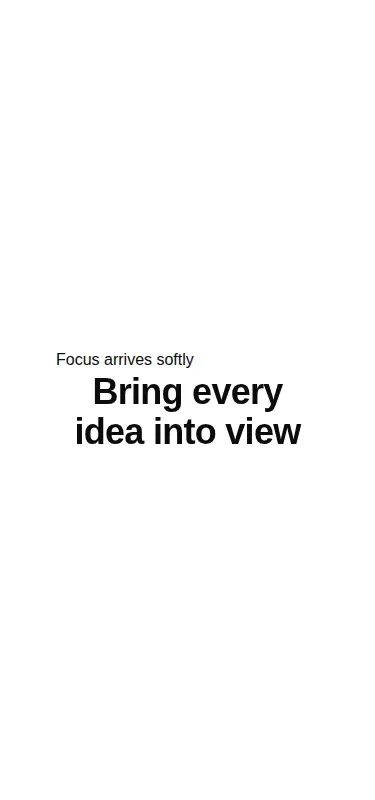

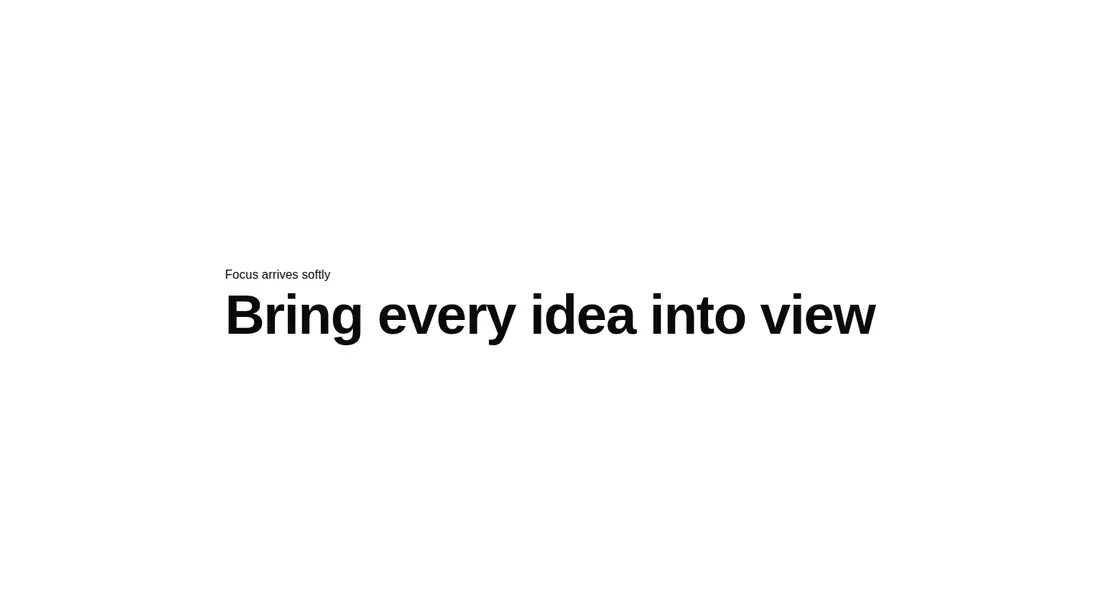
Measured
Every value below was written by the harness on the run that produced the frames above. None of it is derived from the prose.
| Build | OK |
|---|---|
| Mount | OK |
| Console errors | 0 |
| Uncaught page errors | 0 |
| Horizontal overflow | clean at 375, 768, 1440 |
| Axe critical | 0 |
| Axe serious | 0 |
| Axe moderate | 0 |
| Axe minor | 0 |
| Gzip marginal | 58.2 KB (123.6 KB build, 65.4 KB baseline) |
| Bare mode | OK |
| Provider required | NO |
| Demo used | written from the component source API |
Verdict
A focused, dependable entrance effect with clean runtime and accessibility checks. Its narrow API keeps adoption easy, but the fixed heading element and missing reduced-motion handling make it better as a starting point than a universal typography primitive.
Use it if
- You need a short hero heading to resolve into focus when the page mounts.
- Your React interface already uses Tailwind and can absorb a small registry component.
- A fixed top-level heading is appropriate at the point where the component will render.
Skip it if
- You need configurable heading semantics, since the component always renders a top-level heading.
- Your motion policy requires an explicit reduced-motion fallback, which this source does not include.
- You want word-by-word or replayable animation rather than one blur-and-fade entrance.
- Adding Motion for a single decorative text entrance is not worth the dependency cost in your project.
Install
| Declared dependencies | motion, react, clsx |
|---|---|
| Missing on install | none |
| Bare install | builds and mounts without the shadcn-style helpers |
| Provider | no provider required in the harness |
In a non-shadcn React project, add Motion and clsx, copy the client component, and ensure Tailwind processes its utility classes. Define the font-display token or replace that class, and add a reduced-motion behavior if your accessibility policy requires one.
Source and credit
This page is a review, not a copy. The component source lives with its author and this site does not republish it. Read the license before you use anything.
Author repository
github.com/karthikmudunuri/eldorauiAlternatives
Other published entries for the text-effect pattern, ordered by what they measured: mounts first, then clean axe scans, then bare-mode passes, then the smaller bundle.
- uilayouts-randomized-text-effectdark-futuristic
- Renders
- YES
- A11y
- 0
- Gzip
- 17.5KB
- Bare
- pass
- Prov
- NO
- uilayouts-randomized-text-unveildark-futuristic
- Renders
- YES
- A11y
- 0
- Gzip
- 17.7KB
- Bare
- pass
- Prov
- NO
- fancy-scramble-indark-futuristic
- Renders
- YES
- A11y
- 0
- Gzip
- 17.8KB
- Bare
- pass
- Prov
- NO
- magicui-aurora-textaurora-mesh
- Renders
- YES
- A11y
- 0
- Gzip
- 20.7KB
- Bare
- pass
- Prov
- NO
- magicui-highlighterskeuomorphism
- Renders
- YES
- A11y
- 0
- Gzip
- 24.8KB
- Bare
- pass
- Prov
- NO
- fancy-text-along-pathspatial
- Renders
- YES
- A11y
- 0
- Gzip
- 25.7KB
- Bare
- pass
- Prov
- NO