Measured entry
uilayouts-mesh-gradient-background2
background-effectaurora-meshmotion on file
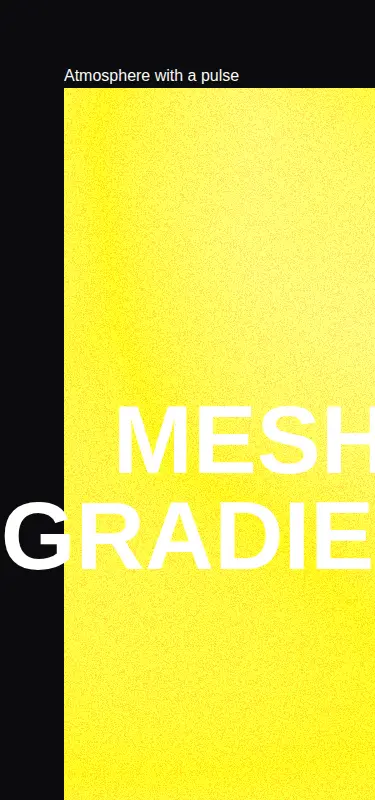
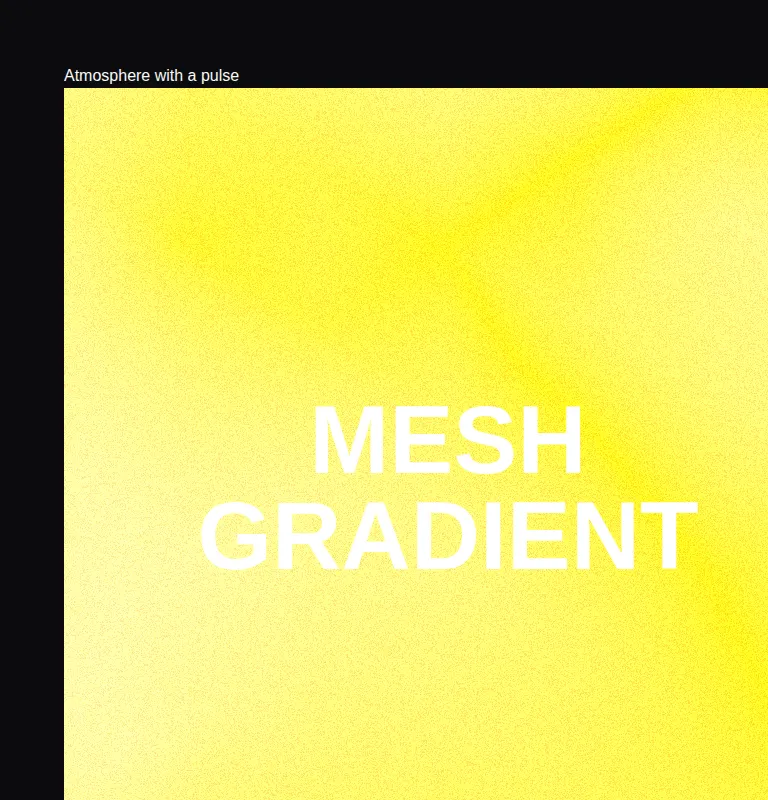
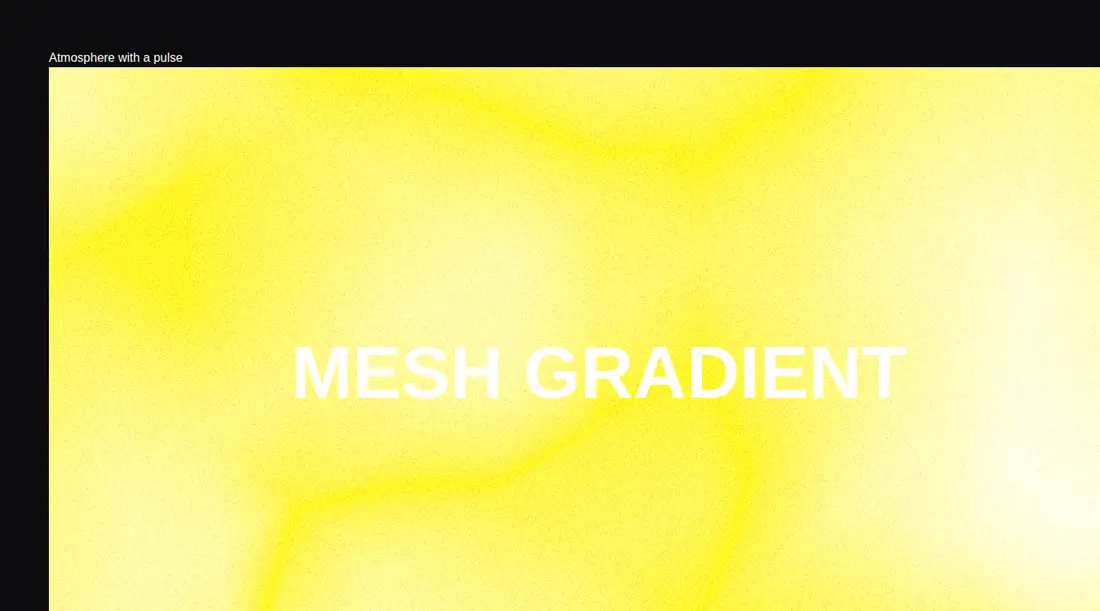
A client-side React WebGL scene that renders a noise-deformed icosahedron as a yellow mesh backdrop, with film grain and a fixed headline layered above it. It ships as shadcn registry source and relies on Three.js, React Three Fiber, Drei, postprocessing helpers, and Tailwind utility classes.
Measured
Every value below was written by the harness on the run that produced the frames above. None of it is derived from the prose.
| Build | OK |
|---|---|
| Mount | OK |
| Console errors | 0 |
| Uncaught page errors | 0 |
| Horizontal overflow | flagged at 375, 768, 1440 |
| Axe critical | 0 |
| Axe serious | 0 |
| Axe moderate | 0 |
| Axe minor | 0 |
| Gzip marginal | 296.3 KB (361.8 KB build, 65.5 KB baseline) |
| Bare mode | OK |
| Provider required | NO |
| Demo used | written from the component source API |
Verdict
The animated shader surface mounts cleanly and has no reported accessibility violations, but its full-viewport layout overflows at every tested width and the source fixes both the copy and styling. Use it as an editable hero prototype, not an untouched production background.
Use it if
- You need a full-screen hero with an animated WebGL focal point.
- Your app already carries the React Three Fiber ecosystem.
- You are prepared to replace the fixed headline, color, and viewport layout in the source.
Skip it if
- You need a responsive drop-in background with no horizontal overflow.
- Bundle weight or low-powered device performance is a firm constraint.
- The page must work without WebGL or continuous animation.
- You want a component that renders supplied children instead of its own fixed copy.
Install
| Declared dependencies | three, @types/three, @react-three/fiber, @react-three/drei, @react-three/postprocessing |
|---|---|
| Missing on install | none |
| Bare install | builds and mounts without the shadcn-style helpers |
| Provider | no provider required in the harness |
In a non-shadcn React project, add Three.js, its TypeScript types, React Three Fiber, Drei, React Three Postprocessing, and Postprocessing. Configure Tailwind for the included utility classes, render it only on the client, and adapt the full-viewport wrapper and fixed headline before embedding it in a page.
Source and credit
This page is a review, not a copy. The component source lives with its author and this site does not republish it. Read the license before you use anything.
Author repository
github.com/ui-layouts/uilayoutsAlternatives
Other published entries for the background-effect pattern, ordered by what they measured: mounts first, then clean axe scans, then bare-mode passes, then the smaller bundle.
- ruixen-loading-circlegradient-glow
- Renders
- YES
- A11y
- 0
- Gzip
- 17.7KB
- Bare
- pass
- Prov
- NO
- eldora-hacker-backgrounddark-futuristic
- Renders
- YES
- A11y
- 0
- Gzip
- 17.8KB
- Bare
- pass
- Prov
- NO
- ruixen-ripple-circlesgradient-glow
- Renders
- YES
- A11y
- 0
- Gzip
- 17.9KB
- Bare
- pass
- Prov
- NO
- ruixen-dual-tone-rain-backgroundunclassified
- Renders
- YES
- A11y
- 0
- Gzip
- 18.4KB
- Bare
- pass
- Prov
- NO
- cultui-lightboardliquid-glass
- Renders
- YES
- A11y
- 0
- Gzip
- 19.6KB
- Bare
- pass
- Prov
- NO
- ruixen-mouse-sparkunclassified
- Renders
- YES
- A11y
- 0
- Gzip
- 20.6KB
- Bare
- pass
- Prov
- NO