Measured entry
meraki-auth-sign-in-page-with-select-user
A static Tailwind sign-in page for returning users, presented as an HTML snippet with a selected-account row, password field, recovery link, signup link, and consent copy. It has no package dependencies, but its styling expects Tailwind utilities and its logo and avatar load from remote hosts.
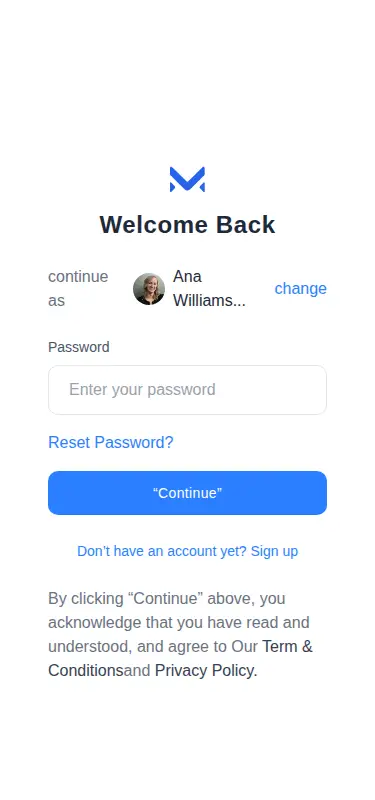
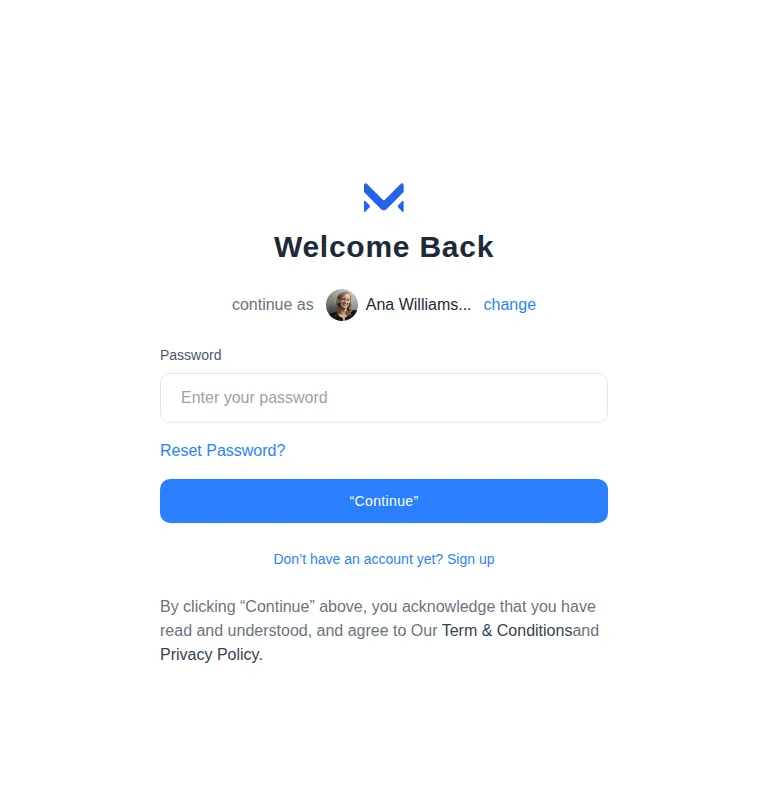
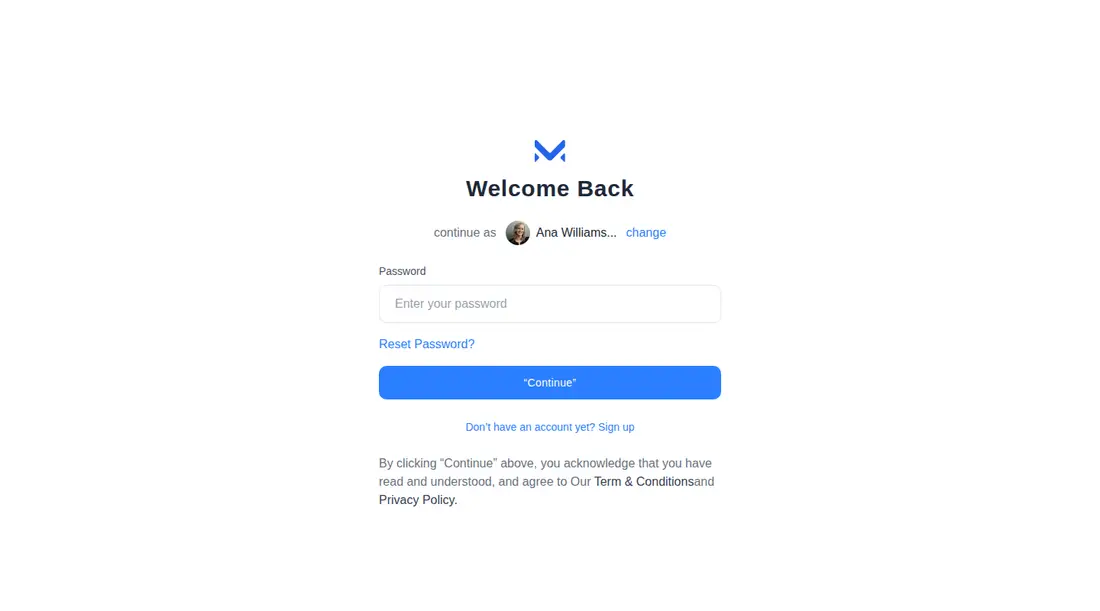
Measured
Every value below was written by the harness on the run that produced the frames above. None of it is derived from the prose.
| Build | OK |
|---|---|
| Mount | OK |
| Console errors | 0 |
| Uncaught page errors | 0 |
| Horizontal overflow | clean at 375, 768, 1440 |
| Axe critical | 0 |
| Axe serious | 2 |
| Axe moderate | 0 |
| Axe minor | 0 |
| Gzip marginal | 18.4 KB (83.8 KB build, 65.4 KB baseline) |
| Bare mode | OK |
| Provider required | NO |
| Demo used | none |
Verdict
A useful visual shell for a returning-user sign-in step, and it builds and mounts without framework scaffolding. Treat it as a starting point: auth behavior is absent, remote imagery should be replaced, and the contrast and inline-link treatment need accessibility work before release.
Use it if
- You need a password re-entry screen for a previously selected account.
- Your product already uses Tailwind and can wire the form, account switcher, and links to real auth flows.
- You want a restrained full-page auth layout that adapts cleanly across common viewport sizes.
Skip it if
- You need a complete authentication flow with validation, submission state, and error handling included.
- Your accessibility bar requires compliant contrast and text links that remain distinguishable without color.
- You cannot depend on external image hosts and do not want to replace the bundled logo and avatar references.
- You need email, social login, passkeys, or multi-factor controls on the same screen.
Install
| Declared dependencies | none declared |
|---|---|
| Missing on install | none |
| Bare install | builds and mounts without the shadcn-style helpers |
| Provider | no provider required in the harness |
Add Tailwind CSS or translate the utility classes into your own styles. Replace or self-host the logo and avatar, connect the form and account-change control to your authentication system, give decorative or meaningful images suitable alternative text, and revise the flagged contrast and link styling.
Source and credit
This page is a review, not a copy. The component source lives with its author and this site does not republish it. Read the license before you use anything.
Author repository
github.com/merakiui/merakiuiAlternatives
Other published entries for the auth-form pattern, ordered by what they measured: mounts first, then clean axe scans, then bare-mode passes, then the smaller bundle.
- meraki-auth-sign-in-card-with-side-imageminimal-flat
- Renders
- YES
- A11y
- 0
- Gzip
- 18.9KB
- Bare
- pass
- Prov
- NO
- shadcn-block-login-01minimal-flat
- Renders
- YES
- A11y
- 0
- Gzip
- 30.3KB
- Bare
- fail
- Prov
- NO
- shadcn-block-login-02minimal-flat
- Renders
- YES
- A11y
- 0
- Gzip
- 31.9KB
- Bare
- fail
- Prov
- NO
- shadcn-block-login-05minimal-flat
- Renders
- YES
- A11y
- 0
- Gzip
- 31.9KB
- Bare
- fail
- Prov
- NO
- 8bitcn-login-formskeuomorphism
- Renders
- YES
- A11y
- 0
- Gzip
- 33.2KB
- Bare
- fail
- Prov
- NO
- 8bitcn-advanced3skeuomorphism
- Renders
- YES
- A11y
- 0
- Gzip
- 33.3KB
- Bare
- fail
- Prov
- NO