Measured entry
uilayouts-image-mousetrail-default
cursor-effectspatialmotion on file
A client-side React and TypeScript cursor effect that cycles supplied image URLs beneath pointer or touch movement. It ships as a shadcn registry component, has no declared package dependencies, and relies on Tailwind utility classes plus the conventional aliased cn helper.
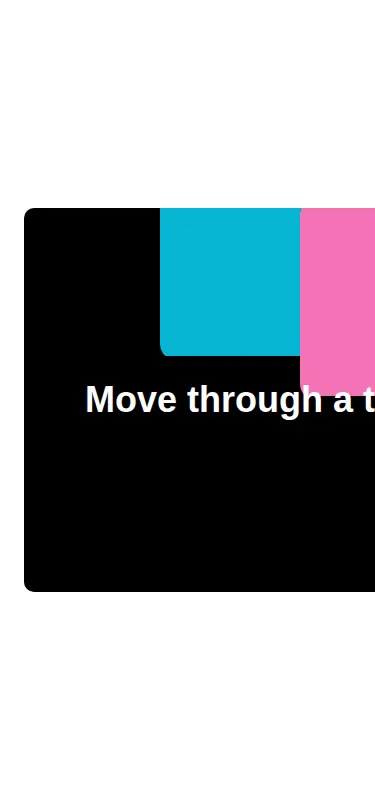
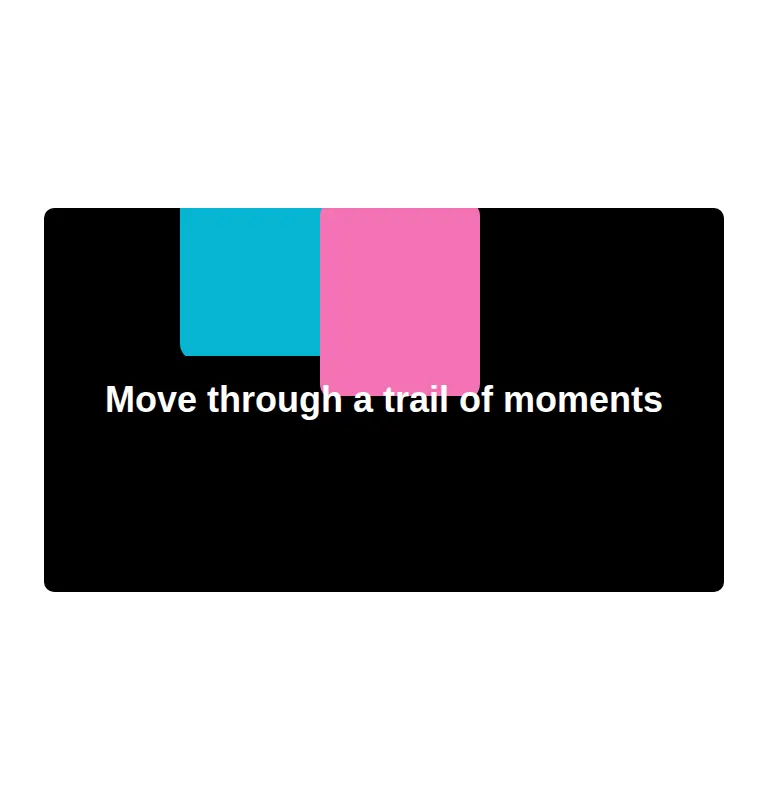
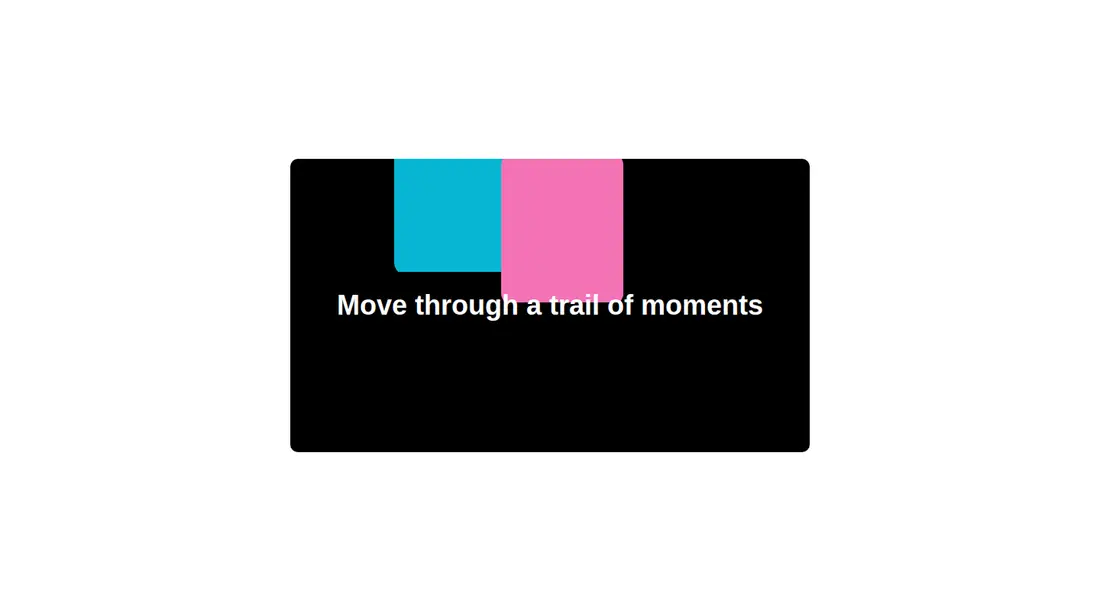
Measured
Every value below was written by the harness on the run that produced the frames above. None of it is derived from the prose.
| Build | OK |
|---|---|
| Mount | OK |
| Console errors | 0 |
| Uncaught page errors | 0 |
| Horizontal overflow | flagged at 375 |
| Axe critical | 0 |
| Axe serious | 0 |
| Axe moderate | 0 |
| Axe minor | 0 |
| Gzip marginal | 27.5 KB (92.9 KB build, 65.4 KB baseline) |
| Bare mode | FAIL |
| Provider required | NO |
| Demo used | written from the component source API |
What the harness recorded
BARE BUILD
✗ Build failed in 34.56s
error during build:
[vite:load-fallback] Could not load <sandbox>/src/lib/utils (imported by src/cut/components/ui/mousetrail.tsx): ENOENT: no such file or directory, open '<sandbox>/src/lib/utils'
Verdict
A focused, configurable trail effect that builds and mounts cleanly in its intended environment. It needs a shadcn-style setup out of the box, and the narrow-screen overflow plus small source-quality issues make it better as a starting point than an untouched production drop-in.
Use it if
- You want an image trail inside a bounded hero, portfolio panel, or campaign section.
- Your project already uses Tailwind and the standard shadcn utility alias.
- You can supply and optimize the image set yourself.
Skip it if
- Your layout must avoid horizontal overflow on narrow screens without component-level adjustments.
- You need a keyboard-driven equivalent to the pointer and touch interaction.
- You want a dependency-free drop-in for a plain React project with no Tailwind or path aliases.
- You need strict production polish without removing the component's debug logging and tightening its image rendering details.
Install
| Declared dependencies | none declared |
|---|---|
| Missing on install | none |
| Bare install | fails once the shadcn-style helpers are removed, so it needs that setup |
| Provider | no provider required in the harness |
In a non-shadcn project, add Tailwind with support for the component's data-state utilities, provide a cn class-merging helper at the expected aliased path or replace that import, and run it in a client-side React environment. Add your own responsive sizing and overflow adjustments for narrow layouts.
Source and credit
This page is a review, not a copy. The component source lives with its author and this site does not republish it. Read the license before you use anything.
Author repository
github.com/ui-layouts/uilayoutsAlternatives
Other published entries for the cursor-effect pattern, ordered by what they measured: mounts first, then clean axe scans, then bare-mode passes, then the smaller bundle.
- tripled-liquid-cursor-shadcnuiliquid-glass
- Renders
- YES
- A11y
- 0
- Gzip
- 21.1KB
- Bare
- pass
- Prov
- NO
- kibo-cursorminimal-flat
- Renders
- YES
- A11y
- 0
- Gzip
- 29.9KB
- Bare
- pass
- Prov
- NO
- tripled-spotlight-section-shadcnuiminimal-flat
- Renders
- YES
- A11y
- 0
- Gzip
- 61.8KB
- Bare
- pass
- Prov
- NO
- tripled-native-typewriterminimal-flat
- Renders
- YES
- A11y
- 0
- Gzip
- 69.9KB
- Bare
- pass
- Prov
- NO
- tripled-native-typewriter-shadcnuiminimal-flat
- Renders
- YES
- A11y
- 0
- Gzip
- 69.9KB
- Bare
- pass
- Prov
- NO
- tripled-native-magneticminimal-flat
- Renders
- YES
- A11y
- 0
- Gzip
- 70.5KB
- Bare
- pass
- Prov
- NO